Halftones
Moiré
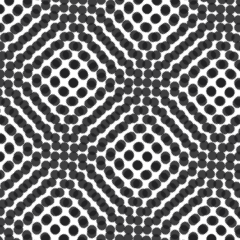
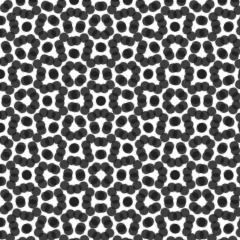
Moiré is an unwanted checkerboard or wavy interference pattern that appears when a halftone's dot grid clashes with screen mesh, fabric weave, or another dot pattern.
Moiré shows up when two regular patterns overlap at the wrong angle or spacing and interfere with each other, creating a visible wavy or checkerboard texture that isn't part of either original pattern. In screen printing it typically comes from a halftone's dot grid crossing the screen mesh at a bad angle, or from scanning already-printed halftoned art and reseparating dots on top of dots, doubling the interference.
For a buyer, moiré is the reason a design that looked perfectly smooth in a design file comes back off the press with a faint grid or wave pattern crawling through what should be flat shading. We've caught moiré early on a client's file that had been scanned from an old printed brochure — the brochure's own halftone dots collided with our screen's halftone the moment we resent it to press, and the fix meant sourcing the original vector art instead.
Pros avoid moiré by angling each color's halftone screen 22.5 to 30 degrees apart from the others and matching dot frequency to mesh count so the two grids don't line up in a repeating clash. Never re-separate a printed halftone image; always go back to the original vector or high-res source file instead of scanning finished output.
The common misconception is that moiré is a printing error a shop can fix on press. Once it's baked into a rescanned or badly angled file, it has to be corrected at the separation stage, not painted over with a squeegee — which is why sourcing clean original art matters more than most buyers realize.