Halftones
Halftone Angle
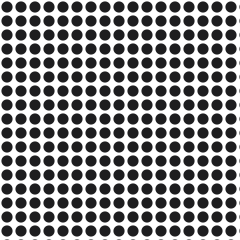
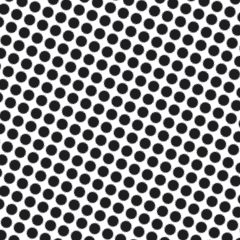
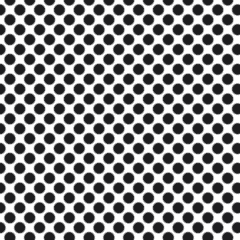
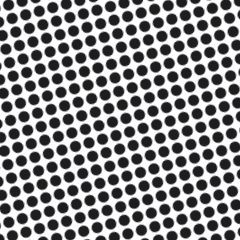
A halftone angle is the rotation of a dot grid in degrees — 22.5 or 45 for a single color, and 15/45/75/0 across CMYK to prevent moire.
A halftone angle is the rotation, in degrees, of the grid the dots sit on. Single-color work typically runs 22.5 degrees; 45 is the other common pick because the eye is least sensitive to a pattern at that tilt. Four-color process spreads the screens to 15, 45, 75, and 0 — a full 30 degrees between cyan, magenta, and black, with yellow crammed into the leftover 15-degree gap because it is the weakest ink and its pattern hides. Screen mesh threads themselves run at 0 and 90, so any halftone angle sitting near those numbers is picking a fight with the fabric of the screen.
That is not theory. A rush job once went out at 45 degrees on 156 mesh and 300 gray-print tees came off the dryer with a faint plaid shimmer across the chest that nobody could unsee. Same film, same ink, same press, reshot at 22.5 — clean.
Let the RIP assign angles and never hand-rotate art to make dots line up. In simulated process, give every screen the same halftone angle, usually 22.5: the spot inks are opaque and stack instead of interfering, which is how sim process dodges the whole problem. True CMYK keeps the 15/45/75/0 set, and if one color still beats, rotate the screen in the head rather than editing the file. Check the blank too, since piqué and ripstop carry their own frequency.
New printers assume angles only matter once four colors are involved, or that whatever setting prints well should be used for all of them. Both are wrong. One gray halftone can moire against bare mesh with no second color anywhere. And four opaque spot screens can safely share an angle while four transparent process inks at that same rotation give you an interference grid instead of a rosette.