Halftones
Round Dot
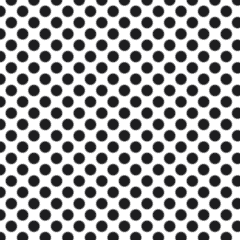
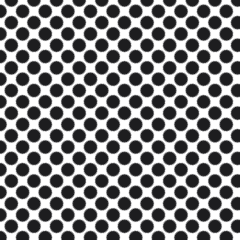
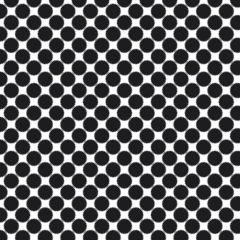
A round dot is the default halftone shape — a circle at every tone that stays isolated until 78.5% coverage, then touches all its neighbors at once.
A round dot prints as a circle at every tone, from a pinpoint highlight to a solid shadow, and its geometry is unforgiving. At 50% the circles are still separate islands; not until 78.5% coverage — pi over four, the moment each circle goes tangent to its four orthogonal neighbors at once — does the screen bridge shut. Shops run round dots at 45 to 65 lpi on 230 to 305 mesh, where gain behaves itself through the midtones, adding a predictable ten to fifteen points between film and shirt. Then the tangent point arrives, ink connects in four directions simultaneously, and the top quarter of the scale collapses into one tone.
What a buyer sees is a band. We reprinted 250 charcoal hoodies over exactly this: a photographic sleeve gradient held beautifully to 70%, then slammed shut, and three distinct shadow tones came off the dryer as one flat black cuff. The film was fine. The shape has no gentle way through its own top end.
Pros reach for the round dot when art is line-heavy, single-color, or built from blends where nothing important lives above 70% — distressed logos, one-color gray fades on athletic tees, spot-color texture. The trade-off is honest: no shape is easier to expose or to hold at a 4% highlight, and none is clumsier in the deep end. Plenty of shops cap the darkest halftone around 65% and let the garment color carry the rest.
The mistake is treating the round dot as the safe pick for photographic work because the RIP opened with it. A default is not a neutral choice. On a portrait, that shape parks its entire tonal break inside the cheek shadow, exactly where eyes land first. If the art has skin, hair, or a long ramp, move the break somewhere less visible with an ellipse. Round earns its keep on graphics, not faces.